
How Businesses Are Using WhatsApp Automation to Save Hours Every Week
From instant lead replies to automated follow-ups, see practical ways businesses are using WhatsApp automation to stop losing enquiries.
In This Article
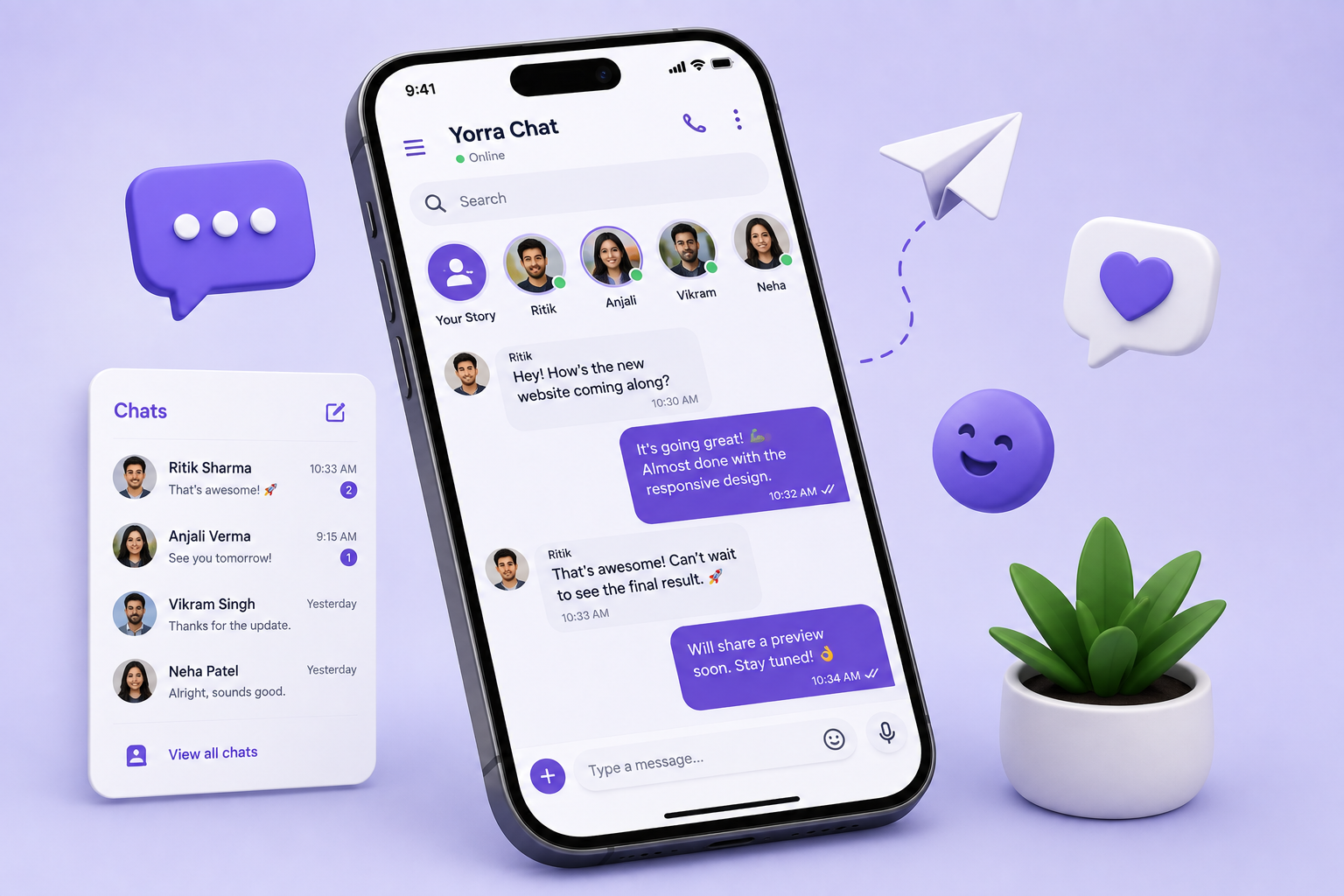
A customer enquiry does not always arrive during office hours. It can appear late at night, during a meeting, or while a sales team is busy with another customer. When replies are delayed, the prospect may move on. WhatsApp automation can reduce that gap by handling repetitive communication while allowing people to take over when a conversation needs judgement, empathy or negotiation.
Practical Benefits
Where it can help
Instant lead response
Acknowledge new enquiries quickly and collect basic information.
Lead qualification
Gather useful requirements before a salesperson takes over.
Automated follow-ups
Reduce the number of promising leads forgotten after the first conversation.
Appointment reminders
Confirm and remind customers without manual messages.
Customer support
Answer appropriate common questions and route complex issues.
CRM integration
Keep customer information and sales stages organised in one workflow.
What WhatsApp automation actually means
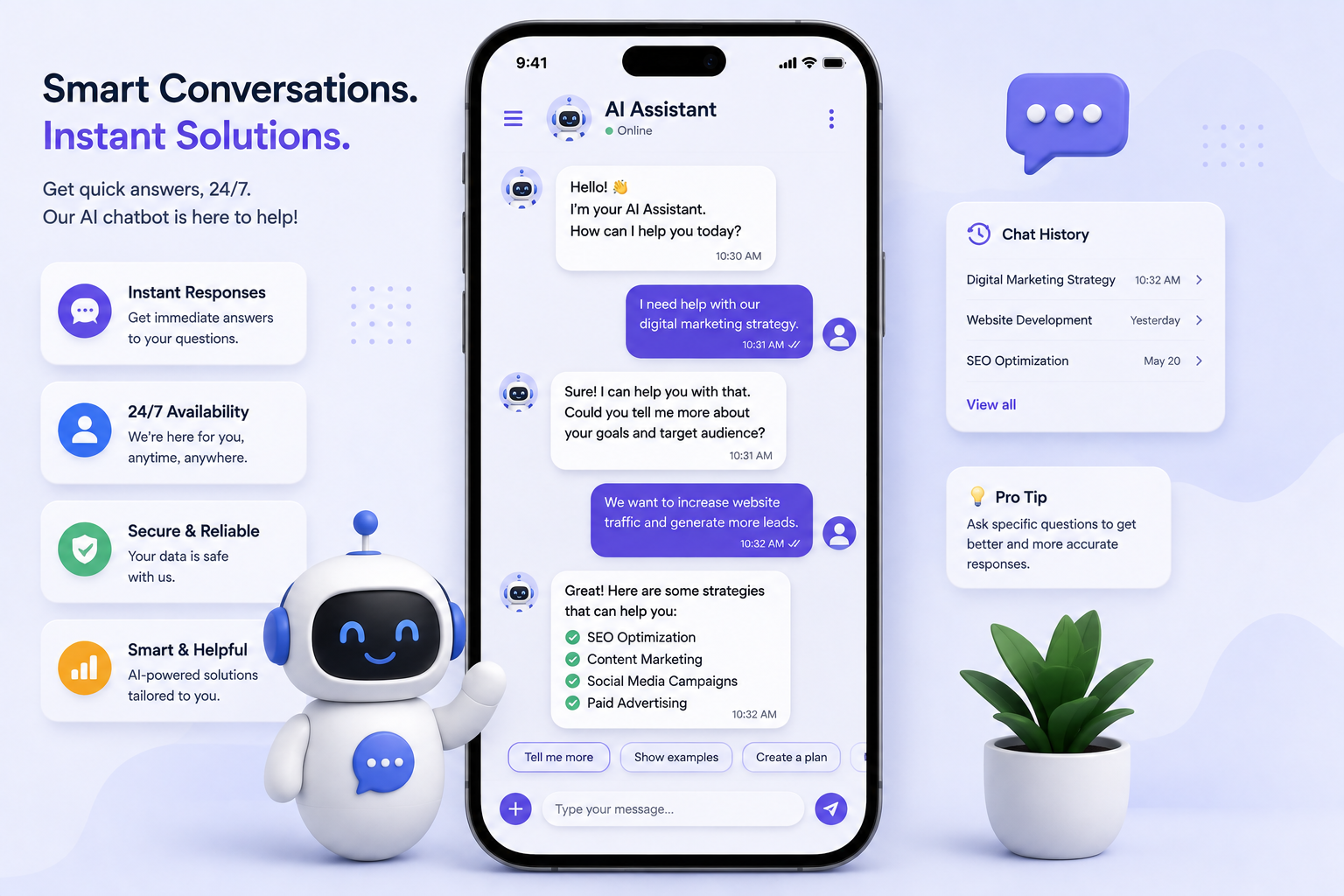
Business automation is not simply sending the same message to everyone. A useful workflow can capture an enquiry, ask a few qualifying questions, provide basic information, route the conversation and remind the team when a human follow-up is required. The automation should be designed around the customer journey.
Instant responses to new enquiries
An automated acknowledgement can confirm that a message was received and set expectations for the next response. For example, a business can ask what service the visitor needs, their preferred time, or whether they are an existing customer. This reduces the amount of repetitive back-and-forth.
Lead qualification before a sales call
Not every enquiry has the same urgency or requirements. Simple questions can help collect useful context before a salesperson responds. The goal is not to interrogate the customer; it is to make the next human conversation more productive.
Automated follow-ups
Many leads are lost because nobody follows up consistently. A properly designed workflow can send a reminder after a defined period, provided it respects the customer's preferences and applicable messaging rules. Follow-ups should be useful, not repetitive or intrusive.
Appointment and service reminders
Businesses that rely on appointments can use automation to confirm bookings and remind customers about upcoming visits. Clear reminders can reduce missed appointments and save staff from manually sending the same messages every day.
Frequently asked questions
Customers often ask the same basic questions about services, pricing ranges, availability, locations, documents or processes. Automation can answer appropriate questions immediately and escalate unusual or sensitive requests to a human.
Connecting WhatsApp with CRM and internal workflows
The real value can increase when conversations connect to a CRM or lead-management process. A new enquiry can be recorded, assigned to a team member and tracked through stages. This creates visibility that is difficult to maintain when customer information is spread across chats.
Keep humans in control
Automation should have clear handoff points. Complaints, complex quotations, negotiations, sensitive information and unusual requests should reach a person. A transparent handoff is better than forcing customers through an endless automated menu.
Measure the workflow
Track response time, number of enquiries, qualified leads, booked appointments, follow-up completion and conversion rates. If automation produces more conversations but fewer qualified outcomes, the workflow needs improvement. The objective is better business performance, not simply more automated messages.
Final thoughts
The best WhatsApp automation feels helpful rather than robotic. Start with one repetitive process, define the customer journey, keep messages concise and create a clear path to a human. When connected with forms, CRM systems and internal processes, automation can save time while helping businesses respond more consistently.
Design a WhatsApp workflow around real customer journeys
The best starting point is to map what happens after a customer sends a message. Define the trigger, the first response, the information you need, the point where a human should take over and the final outcome. For a service business, that could mean acknowledging the enquiry, asking which service is required, collecting a preferred appointment time and notifying the right team member. For customer support, it might mean answering a common question and routing a complex issue to an agent. Keep each step short and make the next action obvious. Also consider what happens when a customer gives an unexpected answer or stops responding. Good workflow design includes these edge cases instead of assuming every conversation follows one perfect path.
How to keep automation useful instead of annoying
Automation becomes frustrating when customers receive too many messages or cannot escape a repetitive flow. Use concise messages, clear choices and sensible timing. Provide a visible way to request human assistance when appropriate. Review your automated messages regularly because services, prices, hours and policies can change. Monitor opt-outs, abandoned conversations, handoffs and customer feedback to identify problems. Make sure the business understands the platform's messaging rules and its own privacy responsibilities before collecting customer information. The goal is not to automate every conversation. The goal is to remove repetitive work while making the customer experience faster and more consistent.
Start small and improve from real conversations
You do not need to automate an entire sales operation on day one. Choose one high-volume repetitive process and make it reliable first. A useful first workflow might acknowledge a new website enquiry, collect a few project details and notify a salesperson. Once that process is stable, measure the response time and lead quality, then decide whether another step should be automated. Review messages with the people who actually speak to customers because they know which questions are common and which situations need judgement. Over time, the workflow can become more sophisticated, but the principle should remain the same: automate predictable work, keep customers informed and give people control when the situation is not predictable.
A simple way to measure time saved
Measure the work before and after automation. Estimate how many new enquiries arrive, how long the team spends acknowledging them, how many require the same questions, and how many follow-ups are missed. After the workflow is introduced, compare those numbers with response time, qualified leads and booked appointments. This gives the business a practical way to decide whether the automation is actually helping. If a workflow saves staff time but makes customers less satisfied, it needs to be redesigned. If it improves response speed and lead quality without adding unnecessary complexity, it is doing its job.
Yorra Tech
Ready to turn your digital presence into a growth tool?
Tell us about your business, your goals, and what you want your website or digital system to achieve.
Start a Project